
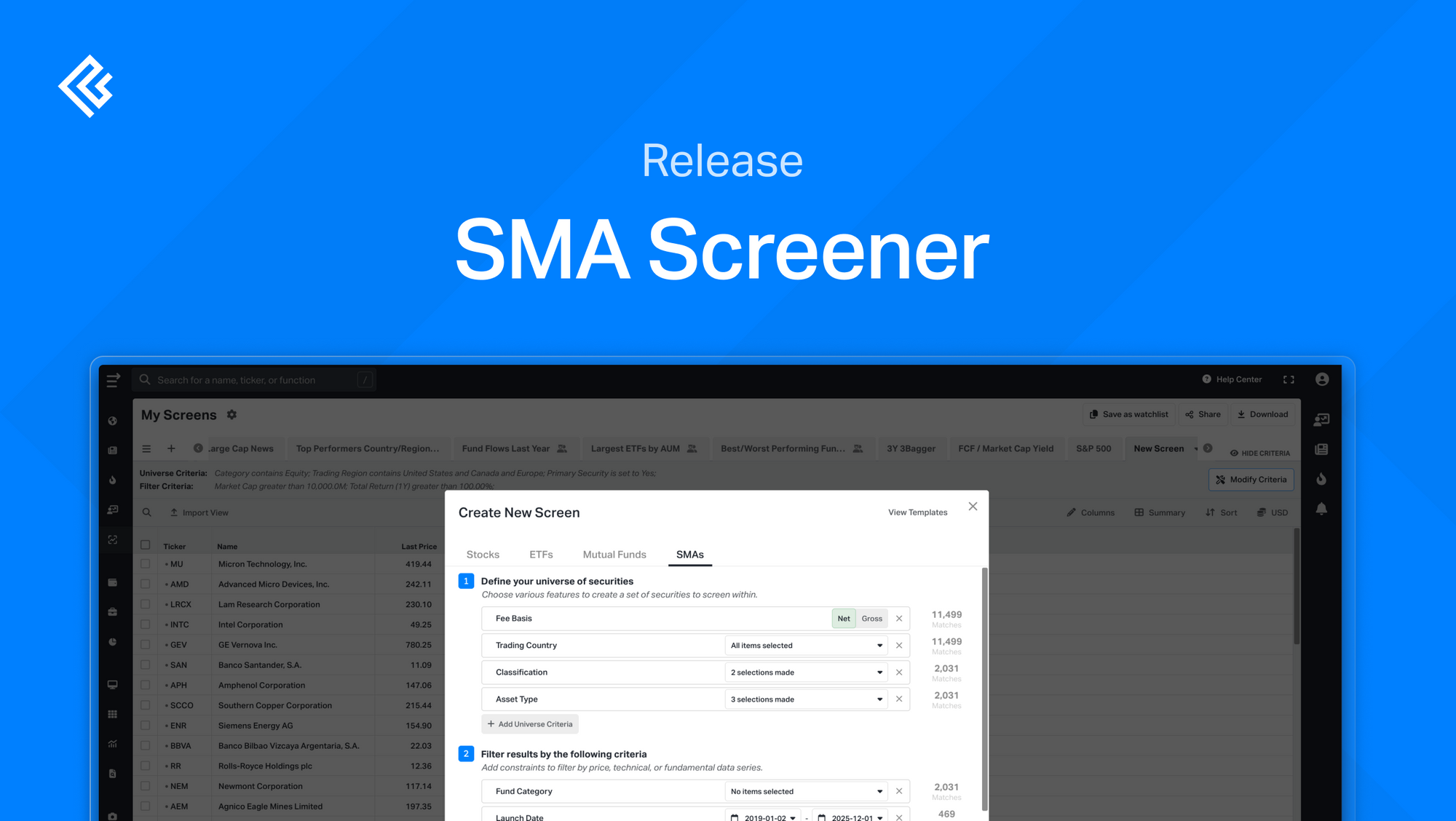
We've expanded our Screener to include Separately Managed Accounts (SMAs). Find SMAs that match your strategy and investment goals.
How It Works
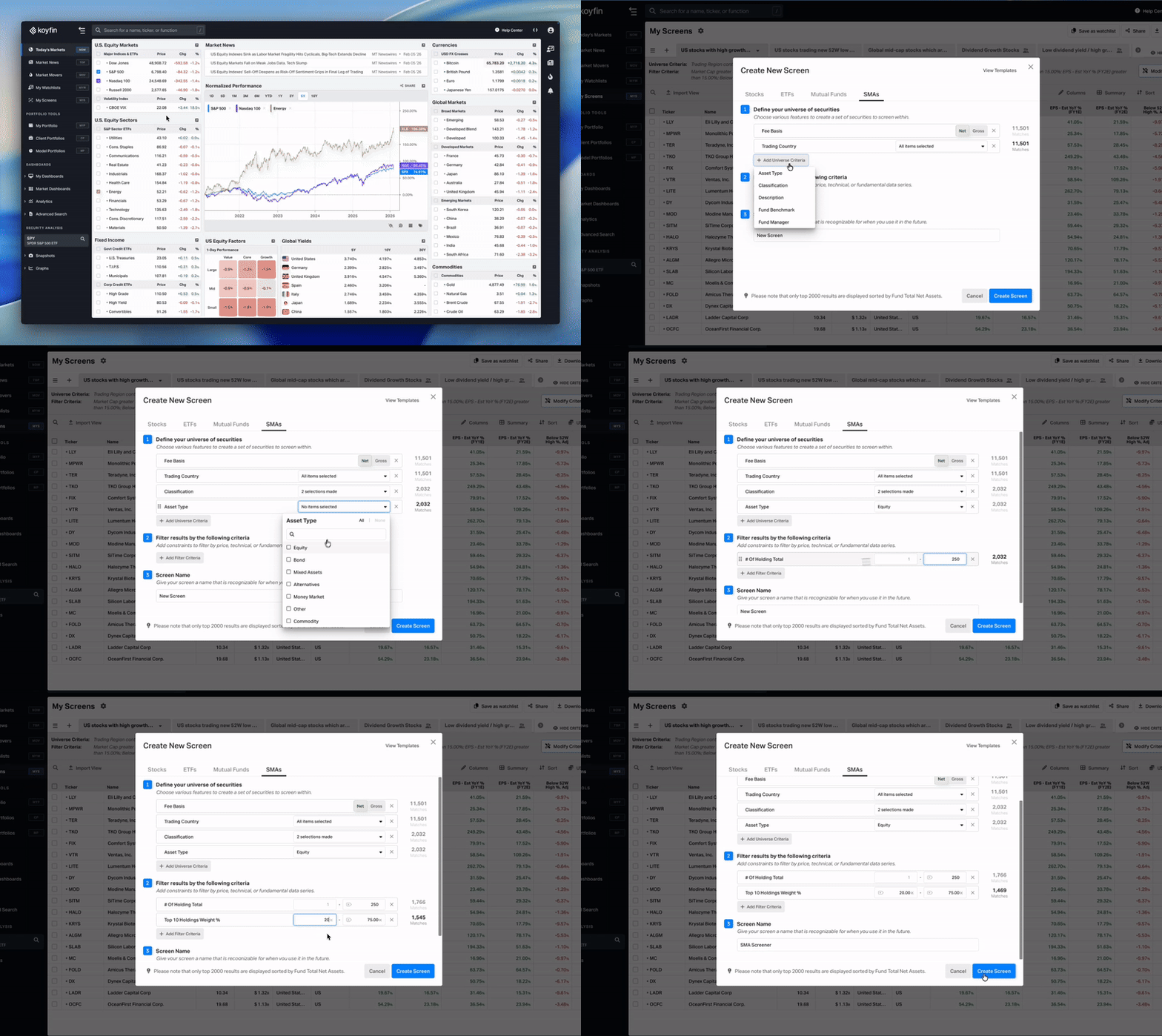
- Navigate to My Screens from the sidebar.
- Click + Create New Screen and select the SMAs tab.
- Define your universe and add filter criteria to narrow results.
- Name your screen and click Create Screen.
Note: The SMA Screener is available on the Advisor Pro plan.